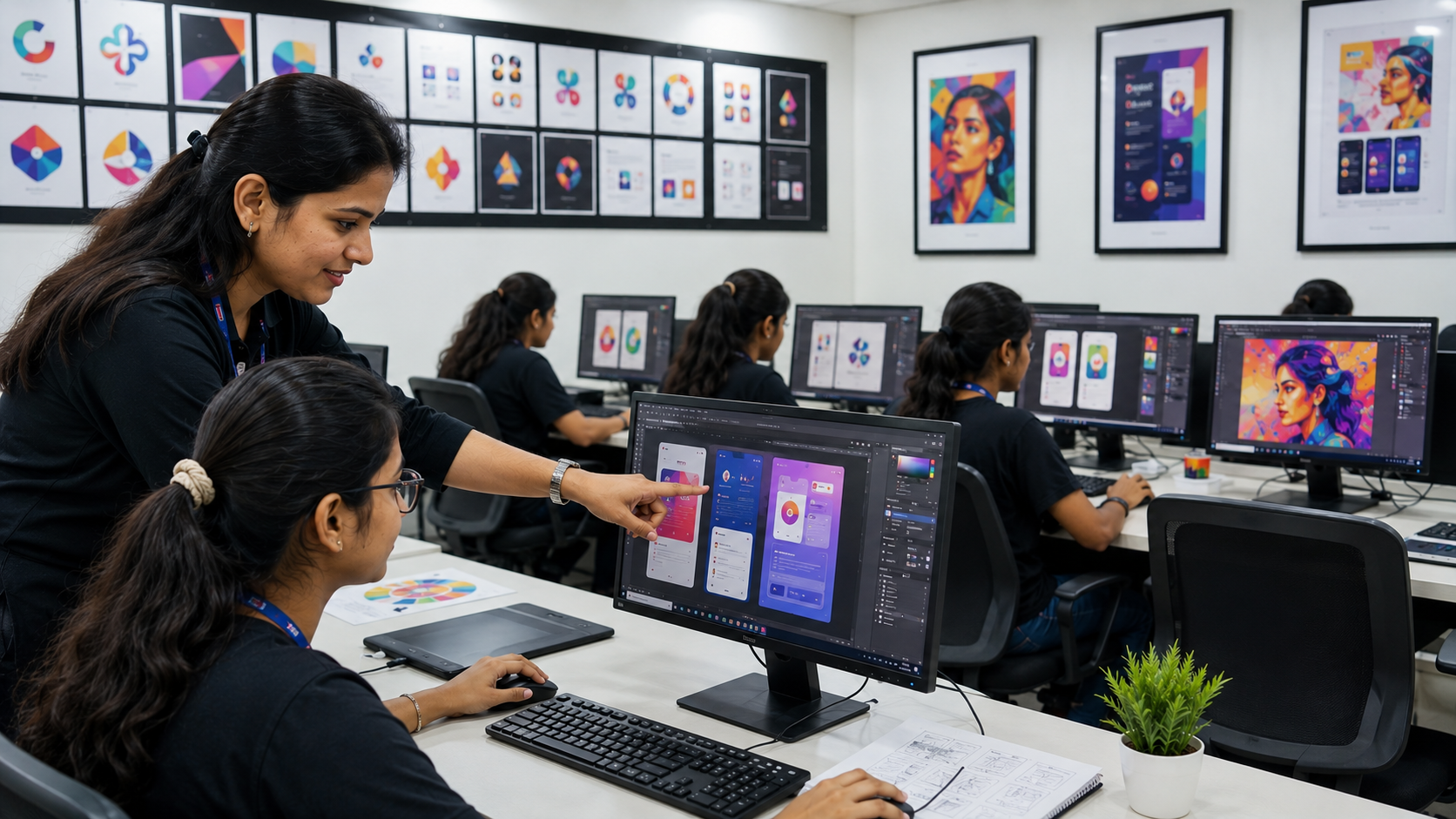
UI/UX design with AI
-
 Instructor: Sumana
-
Category: Web Design & Development
The UI/UX Design with AI course at ZICA Kalyani is a comprehensive, industry‑oriented program designed to transform creative beginners and graduates into confident UI designers, UX designers, and product designers. This course combines core user experience (UX) and user interface (UI) skills with practical use of generative AI tools, enabling students to design faster, iterate smarter, and build modern digital products.
1. Design Thinking & UX Fundamentals
Introduction to design thinking and human‑centered design
Understanding users: personas, empathy maps, user journeys
Problem definition, ideation techniques, and solution framing
Information architecture and user flows for apps and websites
2. UI Design & Visual Systems
UI fundamentals: layout, grid, spacing, hierarchy, and alignment
Typography for digital products: type scales, pairing, readability
Color systems, contrast, and accessible color palettes
Icons, illustrations, and micro‑interactions in UI
Building design systems: components, variants, tokens, and documentation
3. Figma Mastery & Prototyping
Figma interface, frames, constraints, and responsive design
Components, auto layout, variants, and design libraries
Wireframing: low‑fidelity to high‑fidelity screens
Interactive prototyping: transitions, animations, and micro‑interactions
Collaboration features: comments, versioning, and developer handoff
4. UX Research & Usability Testing
Qualitative and quantitative research methods
Planning and conducting user interviews and surveys
Usability testing: moderated, unmoderated, and remote testing
Analyzing feedback, identifying patterns, and iterating designs
Creating UX case studies with clear problem–solution narratives
5. AI for UI/UX Designers
Introduction to generative AI for designers
Prompt engineering for UX: research summaries, personas, user flows
AI‑assisted wireframing and layout generation
AI for content: copy suggestions, microcopy, and content variants
AI image and icon generation for UI mockups (Adobe Firefly, Leonardo.AI, etc.)
AI plugins in Figma and other tools (Uizard, UX Pilot, Magician, etc.)
Ethical use of AI in design: bias, originality, and transparency
6. Real Projects & Portfolio Building
End‑to‑end mobile app design project (research → prototype)
Web dashboard or SaaS product design project
Landing page and marketing website UI project
AI‑enhanced case studies with before/after workflows
Portfolio curation: selecting, refining, and presenting best work
Resume, LinkedIn, Behance/Dribbble setup for UI/UX roles
Here is a Curriculum / Syllabus Modules (Rich Text Editor ready) for a 12‑month UI/UX Design with AI course at ZICA Kalyani, structured for direct use on your website and optimized with local SEO keywords (Kalyani, Nadia, Chakdaha, Ranaghat, Krishnanagar, Naihati, Kanchrapara).
UI/UX Design with AI – Curriculum / Syllabus Modules
ZICA Kalyani – Zee Institute of Creative Art
Program: Professional Program in UI/UX Design with AI
Duration: 12 Months (4 Modules × 3 Months)
Location: Kalyani, Nadia (serving students from Kalyani, Chakdaha, Ranaghat, Krishnanagar, Naihati, Kanchrapara)
Module 1: Design Thinking, UX Fundamentals & Figma Basics (Months 1–3)
Goal: Build strong foundation in design thinking, UX process, and Figma workflow.
Introduction to design thinking and human‑centered design
Understanding users: personas, empathy maps, user journeys
Problem definition, ideation techniques, and solution framing
Information architecture and user flows for apps and websites
UI fundamentals: layout, grid, spacing, hierarchy, and alignment
Typography for digital products: type scales, pairing, readability
Color systems, contrast, and accessible color palettes
Figma interface, frames, constraints, and responsive design
Basic components, auto layout, and simple prototyping
Mini project: low‑fidelity wireframes for a mobile app or website
Outcome: Strong UX fundamentals, clear understanding of user research basics, and comfort with Figma for wireframing and simple UI.
Module 2: Advanced UI Design, Design Systems & Prototyping (Months 4–6)
Goal: Master advanced UI design, component systems, and interactive prototyping.
Advanced layout patterns for mobile and web interfaces
Icons, illustrations, and micro‑interactions in UI
Building design systems: components, variants, tokens, and documentation
Responsive design for multiple screen sizes and devices
Interactive prototyping: transitions, animations, and micro‑interactions
Collaboration features in Figma: comments, versioning, and developer handoff
Accessibility in UI: contrast, focus states, keyboard navigation
Case study 1: end‑to‑end mobile app UI (from brief to high‑fidelity prototype)
Introduction to AI for designers: generative AI overview and prompt basics
AI‑assisted ideation: using AI for personas, user flows, and content ideas
Outcome: Advanced UI skills, ability to create design systems and interactive prototypes, and first complete UI case study.
Module 3: UX Research, Usability Testing & AI for UI/UX (Months 7–9)
Goal: Learn practical UX research, testing, and AI‑enhanced design workflows.
Qualitative and quantitative research methods
Planning and conducting user interviews and surveys
Usability testing: moderated, unmoderated, and remote testing
Analyzing feedback, identifying patterns, and iterating designs
Creating UX case studies with clear problem–solution narratives
AI for UI/UX designers: prompt engineering for research and design
AI‑assisted wireframing and layout generation
AI for content: copy suggestions, microcopy, and content variants
AI image and icon generation for UI mockups (Adobe Firefly, Leonardo.AI, etc.)
AI plugins in Figma and other tools (Magician, UX Pilot, Uizard, etc.)
Case study 2: web dashboard or SaaS product with AI‑enhanced workflow
Outcome: Strong UX research and testing skills, ability to run AI‑assisted design workflows, and second detailed case study.
Module 4: Capstone Projects, Portfolio & Industry Prep (Months 10–12)
Goal: Build a job‑ready portfolio and prepare for internships/jobs.
Capstone project 1: mobile app design (research → prototype → case study)Capstone project 2: landing page and marketing website UI
Optional specialization track:
Product Design (deep dive into design systems and metrics)
UX Research (advanced research, testing, and insights)
AI‑Driven Design (advanced AI workflows and automation)
Portfolio curation: selecting, refining, and presenting best work
Resume, LinkedIn, Behance/Dribbble setup for UI/UX roles
Interview preparation, test tasks, and freelance basics
Final showcase: portfolio review and certificate project
Outcome: Job‑ready portfolio with 2–3 strong case studies, demo projects, and confidence to apply for UI/UX roles.
Tools & Technologies Covered
Figma – primary tool for UI design, prototyping, and design systems
Miro / FigJam – for research, journeys, and workshops
AI Tools:
Figma AI plugins (Magician, UX Pilot, etc.)
Adobe Firefly for images and textures
Leonardo.AI / Midjourney for concept visuals
Uizard / Visily for AI‑assisted UI generation
ChatGPT / Claude for research synthesis and content ideas
Figma – primary tool for UI design, prototyping, and design systems
Miro / FigJam – for research, journeys, and workshops
AI Tools:
Figma AI plugins (Magician, UX Pilot, etc.)
Adobe Firefly for images and textures
Leonardo.AI / Midjourney for concept visuals
Uizard / Visily for AI‑assisted UI generation
ChatGPT / Claude for research synthesis and content ideas
Sumana
Senior UI/UX DESIGNER & Tech Lead
Industry expert with extensive commercial production background and dedicated teaching excellence.