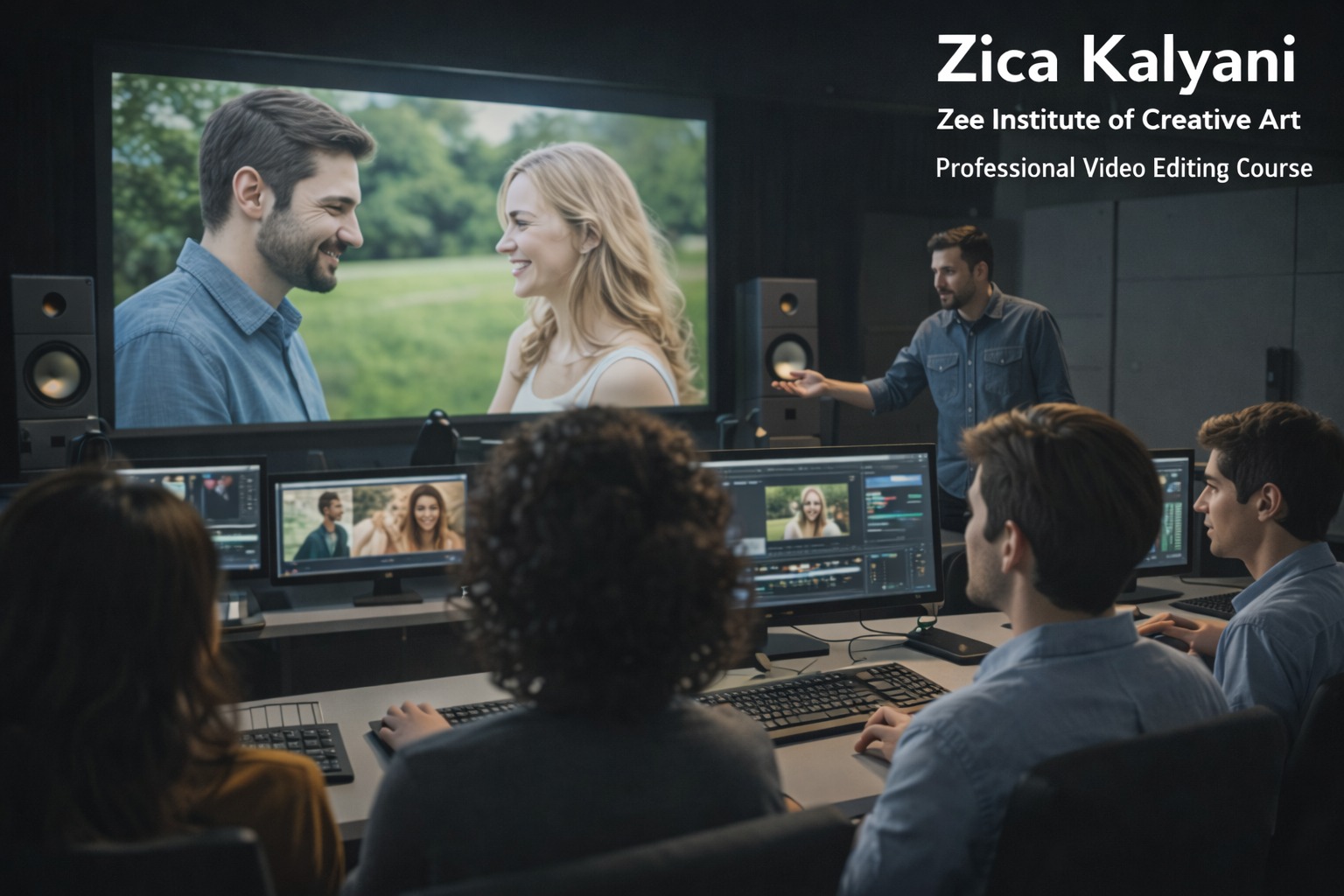
Video Editing & Digital Post-Production
-
 Instructor: Satyabrata
-
Category: Video Editing
1. Foundations of Video Editing & Storytelling
Introduction to video editing workflow, file formats, resolutions, and codecs
Understanding non‑linear editing (NLE) and the digital video pipeline
Storytelling with video: shots, framing, camera moves, and pacing
Planning edits: script breakdown, rough cut, fine cut, and final cut
Organizing media, bins, proxies, and project management
2. Adobe Premiere Pro – Core to Advanced Editing
Premiere Pro interface, workspaces, and customization
Importing, organizing, and managing media in projects
Timeline editing: cutting, trimming, slipping, sliding, ripple edits
Multi‑camera editing, sync, and angle switching
Transitions, speed ramps, freeze frames, and advanced effects
Audio layers, keyframing volume, and basic sound mixing in Premiere
Titles, lower thirds, and text animation
Export settings for YouTube, Instagram, reels, ads, and broadcast
3. After Effects – Motion Graphics & Basic VFX
After Effects interface, compositions, layers, and keyframes
Basic animation: position, scale, rotation, opacity, and easing
Shape layers, masks, mattes, and track mattes
Text animation: titles, lower thirds, kinetic typography
Green screen keying, rotoscoping, and basic compositing
Particle effects, light leaks, and stylistic overlays
Creating intros, outros, and brand graphics for videos
Rendering and dynamic link with Premiere Pro
4. Digital Audio Editing & Sound Design (Adobe Audition)
Audio fundamentals: sample rate, bit depth, channels, and formats
Cleaning dialogue: noise reduction, de‑hum, de‑click, de‑reverb
EQ, compression, limiting, and loudness standards for web and broadcast
Sound design: SFX, ambience, Foley, and layering
Music editing: beat matching, fades, and background scoring basics
Mixing dialogue, music, and effects for balanced output
Exporting audio stems and final mixes for video projects
5. Color Correction & Grading (Premiere Pro / DaVinci Resolve)
Color theory for video: contrast, saturation, and tone
Primary correction: exposure, white balance, lift/gamma/gain
Secondary correction: HSL qualifiers, power windows, and tracking
Using LUTs and creating custom looks
Scopes: waveform, parade, vectorscope, and histogram
Matching shots across sequences and cameras
Creating cinematic grades for different genres (vlog, ad, short film)
6. Real Projects, Portfolio & Industry Prep
YouTube/vlog editing project: full episode from raw to final
Short film / documentary edit: narrative structure and pacing
Social media reel pack: multiple formats (9:16, 1:1, 16:9)
Ad or promo edit: 30–60 second commercial with motion graphics
Portfolio curation: selecting, refining, and presenting best edits
Resume, LinkedIn, Behance/YouTube channel setup for editors
Freelance basics: client communication, revisions, and delivery
Module 1: Video Editing Principles
Timeline management, cuts, transitions, pacing, multi-camera editing, and narrative pacing.
Module 2: Adobe Premiere Pro & DaVinci Resolve
Advanced editing workflows, proxies, audio cleanup, color correction, LUTs, and color grading.
Module 3: Motion Graphics & Titles with After Effects
Lower thirds, kinetic typography, intro/outro animations, logo reveals, visual effects integration.
Module 4: Commercial Project Portfolio
Commercial ads, music video cuts, short film editing, reel optimization for Instagram and YouTube.
Satyabrata
professional video artist
Industry expert with extensive commercial production background and dedicated teaching excellence.