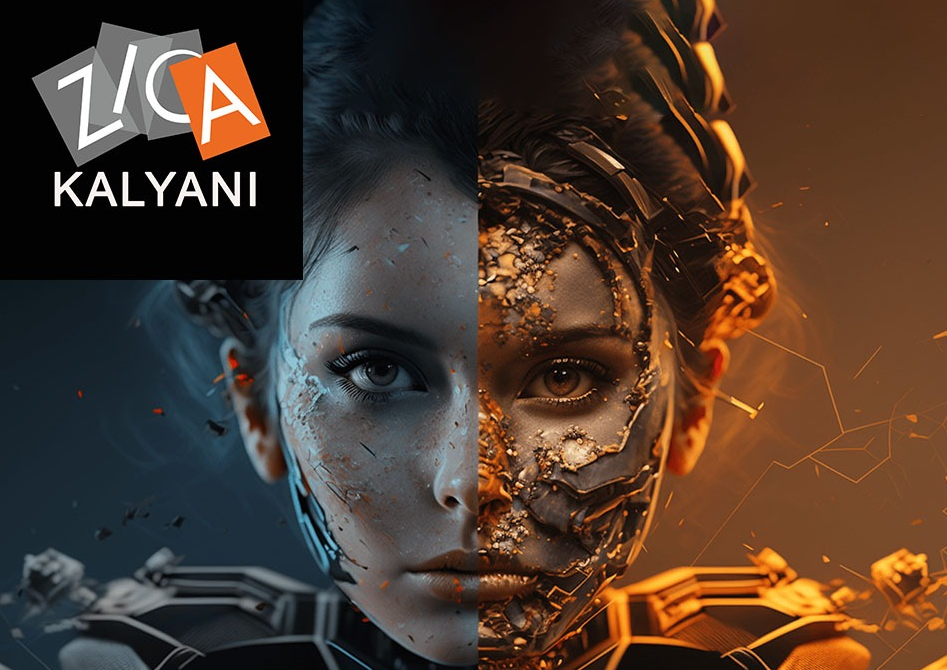
Professional Program in Visual Effects (VFX)
-
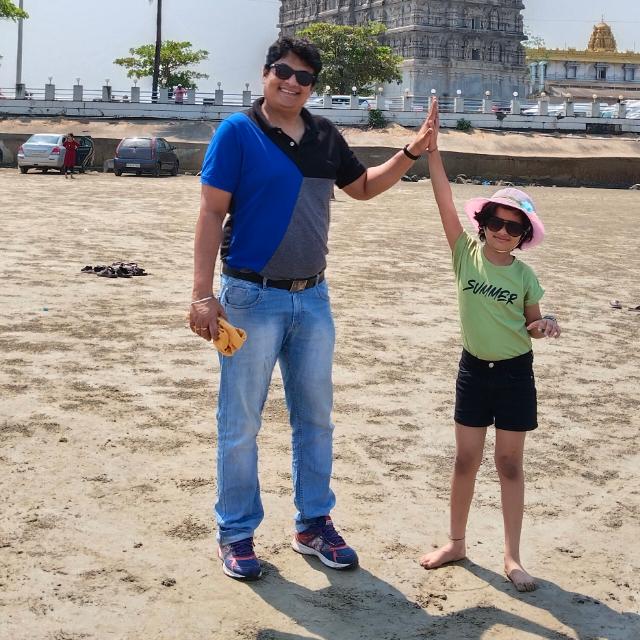 Instructor: Satyabrata
-
Category: Visual Effects (VFX)
Professional Program in Visual Effects (VFX) – Full Course Overview
ZICA Kalyani – Zee Institute of Creative Art
Program: Professional Program in Visual Effects (VFX)
Duration: 12–18 Months (3–4 Modules)
Location: Kalyani, Nadia (serving students from Kalyani, Chakdaha, Ranaghat, Krishnanagar, Naihati, Kanchrapara)
About the Program
The Professional Program in Visual Effects (VFX) at ZICA Kalyani is a comprehensive, industry‑oriented course designed to train students in compositing, rotoscoping, matchmoving, 3D integration, simulations, and VFX pipeline workflows for film, OTT, ads, and digital content. Using tools like Nuke, After Effects, 3ds Max/Maya, PFTrack, and Houdini, learners gain hands‑on experience in creating cinematic shots, CGI integration, and complex VFX sequences.
Ideal for creative beginners, graduates, and working professionals from Kalyani, Nadia, Chakdaha, Ranaghat, Krishnanagar, Naihati, Kanchrapara, this program focuses on live projects, shot breakdowns, and portfolio building so that every student can confidently apply for roles in VFX studios, production houses, post‑production companies, and freelance VFX practice.
What You Will Learn
1. VFX Fundamentals & Pre‑Production
Introduction to VFX pipeline: on‑set, shoot planning, and post‑production
Understanding plates, passes, AOVs, and CGI integration
Storyboarding, previs, and shot planning for VFX sequences
Basics of cinematography: lenses, framing, lighting, and camera movement
File formats, color spaces, and workflow for VFX shots
2. Rotoscoping & Paint/Prep
Rotoscoping fundamentals: shapes, splines, and motion tracking
Advanced rotoscoping for complex subjects (hair, motion blur, transparency)
Paint and prep: wire removal, rig removal, dust busting, and plate cleanup
Using Silhouette, Nuke, or After Effects for rotoscope and paint workflows
Organizing roto layers and prepping plates for compositing
3. Compositing & CGI Integration (Nuke / After Effects)
Node‑based compositing in Nuke: merge, transform, color correction, and keying
Layer‑based compositing in After Effects for motion graphics and simpler shots
Green screen keying, spill suppression, and edge refinement
3D compositing: camera projection, set extension, and CGI integration
Multi‑pass rendering: diffuse, specular, shadow, AO, Z‑depth, and cryptomatte
Relighting, atmospheric effects, and final shot integration
4. Camera Tracking & Matchmoving
2D and 3D camera tracking in PFTrack, Nuke, and After Effects
Solving cameras, creating point clouds, and building proxy geometry
Matchmoving for object insertion, set extension, and CGI integration
Lens distortion, undistort, and re‑distort workflows
Tracking markers, on‑set data, and survey basics for VFX
5. 3D for VFX: Modeling, Lighting & Rendering
3D modeling basics for VFX: props, environment, and simple characters
Texturing and shading for photorealistic integration
Lighting setups: HDRI, three‑point, and environment lighting
Rendering in Arnold/Redshift: passes, AOVs, and optimization for compositing
Integrating 3D renders into live‑action plates with correct scale and perspective
6. Dynamics & Simulations (Fire, Smoke, Fluids, Destruction)
Introduction to dynamics in Houdini or 3ds Max (particles, fluids, pyro)
Creating fire, smoke, explosions, and environmental effects
Dust, debris, sparks, and magic effects for shots
Caching, rendering, and integrating simulations into compositing
Optimization techniques for heavy simulation shots
7. Real VFX Shots, Portfolio & Industry Prep
Breakdown and recreation of real VFX shots from films and ads
End‑to‑end VFX shot: roto → track → comp → final output
Portfolio curation: selecting, refining, and presenting best VFX work
Resume, LinkedIn, ArtStation setup for VFX artists
Internship guidance, freelance basics, and studio workflow awareness
Program Highlights
Industry‑aligned curriculum covering compositing, roto, tracking, 3D integration, and simulationszicanoida+2
Hands‑on projects: film shots, ads, OTT content, and VFX breakdownskalapurnaminstitute+1
Mastery of key tools: Nuke, After Effects, 3ds Max/Maya, PFTrack, Houdinizicanoida+2
Mentorship from experienced VFX artists and compositors
Modern VFX labs with latest software at ZICA Kalyani
Step‑by‑step portfolio and showreel creation for job applicationszicazimapcmc+1
Guidance for internships, placements, and freelance opportunities
Ideal for learners from Kalyani, Nadia, Chakdaha, Ranaghat, Krishnanagar, Naihati, Kanchrapara who want local, structured training
Tools & Technologies Covered
The Foundry Nuke – professional node‑based compositing
Adobe After Effects – layer‑based compositing and motion graphics
Autodesk 3ds Max / Maya – 3D modeling, lighting, and rendering
PFTrack / Boujou – camera tracking and matchmoving
Houdini – dynamics, simulations, and procedural VFX
Silhouette – advanced rotoscoping and paint/prep
Arnold / Redshift – photorealistic rendering for VFX
Career Opportunities
On completion, learners can pursue roles such as:
VFX Compositor
Roto Artist
Paint/Prep Artist
Matchmove / Camera Tracking Artist
3D Generalist (VFX)
Junior FX Artist (Simulations)
Freelance VFX Artist
This program serves as a strong foundation for further specialization in advanced compositing, FX simulation, CG integration, or senior VFX artist roles.zicazimapcmc+2
Module 1: VFX Fundamentals, Rotoscoping & Paint/Prep (Months 1–3)
Goal: Build strong foundation in VFX pipeline, rotoscoping, and plate preparation.
Introduction to VFX pipeline: on‑set, shoot planning, and post‑production
Understanding plates, passes, AOVs, and CGI integration
Basics of cinematography: lenses, framing, lighting, and camera movement
File formats, color spaces, and workflow for VFX shots
Rotoscoping fundamentals: shapes, splines, and motion tracking
Advanced rotoscoping for complex subjects (hair, motion blur, transparency)
Paint and prep: wire removal, rig removal, dust busting, and plate cleanup
Using Silhouette, Nuke, or After Effects for rotoscope and paint workflows
Organizing roto layers and prepping plates for compositing
Mini project: roto and paint/prep on a live‑action shot
Module 2: Compositing & CGI Integration (Months 4–6)
Goal: Master node‑based and layer‑based compositing for CGI and live‑action integration.
Node‑based compositing in Nuke: merge, transform, color correction, and keying
Layer‑based compositing in After Effects for motion graphics and simpler shots
Green screen keying, spill suppression, and edge refinement
3D compositing: camera projection, set extension, and CGI integration
Multi‑pass rendering: diffuse, specular, shadow, AO, Z‑depth, and cryptomatte
Relighting, atmospheric effects, and final shot integration
Color matching, grain, and final output for delivery
Project: composite a CGI element into a live‑action plate (product viz or simple shot)
Module 3: Camera Tracking, Matchmoving & 3D for VFX (Months 7–9)
Goal: Learn camera tracking, matchmoving, and basic 3D for VFX integration.
2D and 3D camera tracking in PFTrack, Nuke, and After Effects
Solving cameras, creating point clouds, and building proxy geometry
Matchmoving for object insertion, set extension, and CGI integration
Lens distortion, undistort, and re‑distort workflows
Tracking markers, on‑set data, and survey basics for VFX
3D modeling basics for VFX: props, environment, and simple characters
Texturing and shading for photorealistic integration
Lighting setups: HDRI, three‑point, and environment lighting
Rendering in Arnold/Redshift: passes, AOVs, and optimization for compositing
Integrating 3D renders into live‑action plates with correct scale and perspective
Project: track a shot and integrate a 3D object or set extension
Goal: Learn camera tracking, matchmoving, and basic 3D for VFX integration.
2D and 3D camera tracking in PFTrack, Nuke, and After Effects
Solving cameras, creating point clouds, and building proxy geometry
Matchmoving for object insertion, set extension, and CGI integration
Lens distortion, undistort, and re‑distort workflows
Tracking markers, on‑set data, and survey basics for VFX
3D modeling basics for VFX: props, environment, and simple characters
Texturing and shading for photorealistic integration
Lighting setups: HDRI, three‑point, and environment lighting
Rendering in Arnold/Redshift: passes, AOVs, and optimization for compositing
Integrating 3D renders into live‑action plates with correct scale and perspective
Project: track a shot and integrate a 3D object or set extension
Module 4: Dynamics, Simulations & Final VFX Portfolio (Months 10–12)
Goal: Create dynamic effects and build a job‑ready VFX portfolio.
Introduction to dynamics in Houdini or 3ds Max (particles, fluids, pyro)
Creating fire, smoke, explosions, and environmental effects
Dust, debris, sparks, and magic effects for shots
Caching, rendering, and integrating simulations into compositing
Optimization techniques for heavy simulation shots
Breakdown and recreation of real VFX shots from films and ads
End‑to‑end VFX shot: roto → track → comp → final output
Portfolio curation: selecting, refining, and presenting best VFX work
Resume, LinkedIn, ArtStation setup for VFX artists
Internship guidance, freelance basics, and studio workflow awareness
Final showcase: portfolio review and certificate project
Goal: Create dynamic effects and build a job‑ready VFX portfolio.
Introduction to dynamics in Houdini or 3ds Max (particles, fluids, pyro)
Creating fire, smoke, explosions, and environmental effects
Dust, debris, sparks, and magic effects for shots
Caching, rendering, and integrating simulations into compositing
Optimization techniques for heavy simulation shots
Breakdown and recreation of real VFX shots from films and ads
End‑to‑end VFX shot: roto → track → comp → final output
Portfolio curation: selecting, refining, and presenting best VFX work
Resume, LinkedIn, ArtStation setup for VFX artists
Internship guidance, freelance basics, and studio workflow awareness
Final showcase: portfolio review and certificate project
Satyabrata
professional vfx artist
Industry expert with extensive commercial production background and dedicated teaching excellence.