Track
Software Development
Duration
30 hours
Skill Level
Foundation
Language
English
About this Course
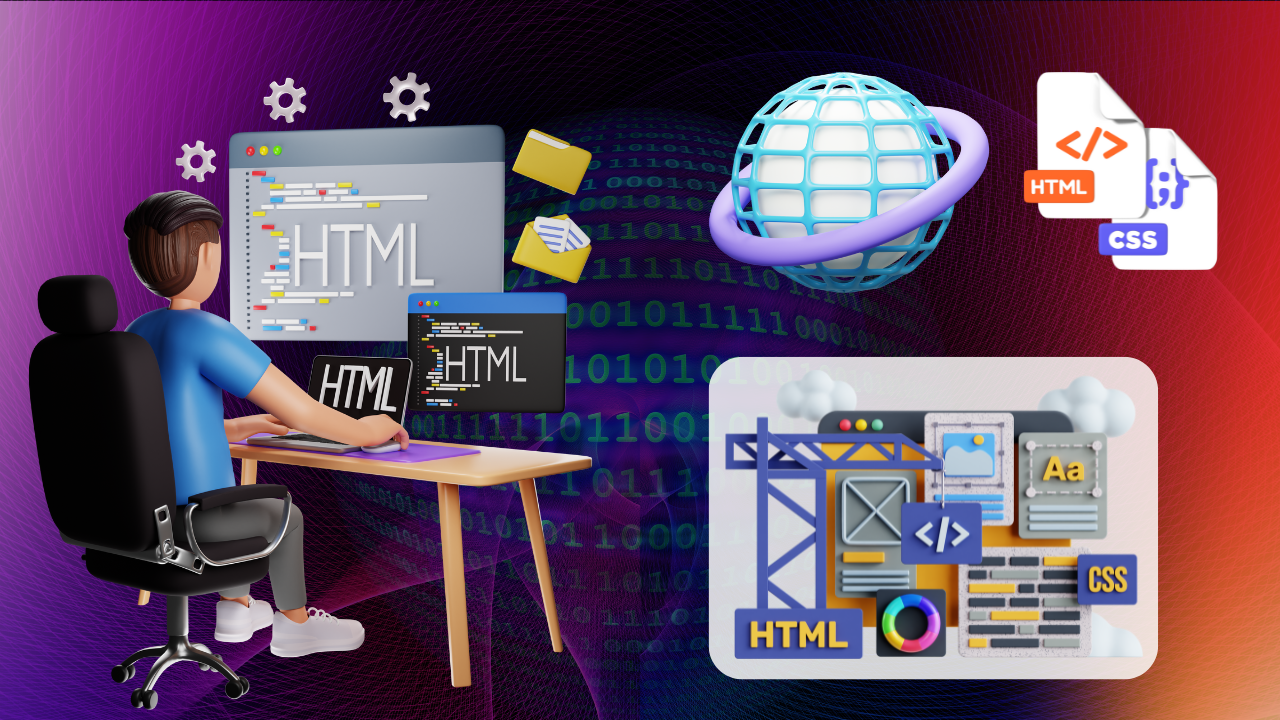
Build web pages using HTML5 with proper structure, formatting, and semantic elements.
Learning Mode: Learn at ALC or at Home
Detailed Course Curriculum
Hands-on module breakdown aligned with MKCL production standards and industry requirements.
- Networking
- Application of internet
- Internet domains and information files creation
- Terminology used in internet
- Communication of browser with server
- Connection establishment
- Connection termination and IP addresses
- World Wide Web
- what is a website
- purpose of website
- what are the categories of websites according to the information it contains
- Creating the Web Site
- Working on the web site
- Creating web site structure
- Creating Titles for web pages
- Themes-Publishing websites.
- Markup language
- Types of markup languages
- Facts related to markup languages
- HTML its versions and use of HTML
- Comments and commands in HTML
- Static pages vs Dynamic pages
- HTML editors- Atom, Sublime, Visual studio code
- How to use VS code editor for creating HTML file
- Assisted demo on creating and saving of HTML file using VS code
- Sample HTML structure
- Basic HTML program structure
- Case sensitivity in HTML
- Preview of basic HTML document
- HTML tags and their categories
- Paired and singular tags
- Assisted demo on paired and singular tags
- Text formatting in HTML
- Types of HTML basic tags: bold, italic, underline
- Types of HTML tags: superscript, subscript
- Types of HTML tags:insert, delete, big, small
- Assisted demo for Superscript, subscript , insert, delete, big, small
- Assisted demo: bold, italic, underline, superscript, subscript
- Types of HTML tags: abbreviation, pre, code tag
- Assisted Demo for tags:abbreviation, Cite, pre code tag, code, and blockquote tag
- Assisted demo: delete, small, comment, center
- Defining phrases in HTML
- How phrases are written in HTML
- Line, paragraph and phrases
- Supported browsers for phrases
- Phrase tags in HTML: definition, code, keyboard
- Phrase tags in HTML: Acronym, Quoting, Abbreviation
- text direction, short quotation, marked text, address tag
- Assisted demo on: definition, code, keyboard
- HTML elements, Valid and Invalid HTML
- Example of HTML elements
- HTML tag Vs HTML element
- Use of HTML elements, nested HTML elements
- HTML attributes
- HTML tag Vs HTML attribute
- Example of HTML attributes
- Assisted demo on HTML elements and attributes
- Understanding formating
- Why to do formatting
- Formated vs non-formated HTML page
- HTML page formatting
- HTML formatting elements
- HTML formatting using marked tag
- HTML formatting using inserted tag
- Assisted demo on: marked tag
- Assisted demo on: inserted tag
- HTML meta tag and its use
- Attributes of meta tag
- Values and description of meta tag attribute, favicon-definition, creation and insertion of favicon
- Search engine, defining keyword for search engine
- How to add description of web page
- How to define author and making a auto refresh document
- View port and its need in web page
- How to set viewport- displaying images according to viewport size
- Assisted demo of meta tag
- How to put image in web page, How to set: border, height and width
- figure tag-definition, usage its attributes
- How to set image alignment
- Using animated image in HTML
- lazy loading- definition, usage, syntax and attribute value
- Using of image as a link
- Understanding image map, Image map vs image
- Background image and cover image in HTML page
- Properties of image tag, image map, background image and cover image
- What are links in HTML, use of HTML links
- What is absolute and relative link
- Working of text link, tel- definition, usage syntax
- Working of image link
- Working of email link
- Adding link for another web page, target attribute- definition, usages and attributes value
- Adding link in same web page
- Adding links for downloading a file
- Assisted demo on adding links in HTML file
- Understanding multimedia
- Multimedia and embedded multimedia in HTML
- video tag with attributes and their values
- audio tag with attributes and their values
- assisted demo on audio and video tag with their attributes
- Embedded multimedia with iframes
- Plug-ins
- HTML multimedia format
- Assisted demo on: HTML embedded multimedia
- Lists in HTML, benefits of using list
- How to make list in HTML, how to make bullet points
- Types of lists: ordered list, unordered list
- Types of lists: definition list, nested lists
- How to make ordered and unordered list in HTML
- Types of ordered list in HTML
- Types of unordered list in HTML
- Attributes of ordered and unordered list
- Assisted demo on: ordered, unordered, definition and nested lists
- Tables and its benefits in web page
- Table structure: thead, tbody, tfoot, th,tr,td
- Creating table and giving caption to a table
Eligibility Criteria
• Basic knowledge of computers and keen desire to build skills in this field.
• Open to students, job seekers, and working professionals.
• Open to students, job seekers, and working professionals.
Official Certification
• Official MKCL KLiC Certificate upon successful completion of the course and evaluations.
Work-Centric Learning Approach
• Step 1: Learners are given an overview of the course and its connection to life and work
• Step 2: Learners are exposed to the specific tool(s) used in the course through the various real-life applications of the tool(s).
• Step 3: Learners are acquainted with the careers and the hierarchy of roles they can perform at workplaces after attaining increasing levels of mastery over the tool(s).
• Step 4: Learners are acquainted with the architecture of the tool or tool map so as to appreciate various parts of the tool, their functions, utility and inter-relations.
• Step 5: Learners are exposed to simple application development methodology by using the tool at the beginner’s level.
• Step 6: Learners perform the differential skills related to the use of the tool to improve the given ready-made industry-standard outputs.
• Step 7: Learners are engaged in appreciation of real-life case studies developed by the experts.
• Step 8: Learners are encouraged to proceed from appreciation to imitation of the experts.
• Step 9: After the imitation experience, they are required to improve the expert’s outputs so that they proceed from mere imitation to emulation.
• Step 10: Emulation is taken a level further from working with differential skills towards the visualization and creation of a complete output according to the requirements provided. (Long Assignments)
• Step 11: Understanding the requirements, communicating one’s own thoughts and presenting are important skills required in facing an interview for securing a work order/job. For instilling these skills, learners are presented with various subject-specific technical as well as HR-oriented questions and encouraged to answer them.
• Step 12: Finally, they develop the integral skills involving optimal methods and best practices to produce useful outputs right from scratch, publish them in their ePortfolio and thereby proceed from emulation to self-expression, from self-expression to self-confidence and from self-confidence to self-reliance and self-esteem!
• Step 2: Learners are exposed to the specific tool(s) used in the course through the various real-life applications of the tool(s).
• Step 3: Learners are acquainted with the careers and the hierarchy of roles they can perform at workplaces after attaining increasing levels of mastery over the tool(s).
• Step 4: Learners are acquainted with the architecture of the tool or tool map so as to appreciate various parts of the tool, their functions, utility and inter-relations.
• Step 5: Learners are exposed to simple application development methodology by using the tool at the beginner’s level.
• Step 6: Learners perform the differential skills related to the use of the tool to improve the given ready-made industry-standard outputs.
• Step 7: Learners are engaged in appreciation of real-life case studies developed by the experts.
• Step 8: Learners are encouraged to proceed from appreciation to imitation of the experts.
• Step 9: After the imitation experience, they are required to improve the expert’s outputs so that they proceed from mere imitation to emulation.
• Step 10: Emulation is taken a level further from working with differential skills towards the visualization and creation of a complete output according to the requirements provided. (Long Assignments)
• Step 11: Understanding the requirements, communicating one’s own thoughts and presenting are important skills required in facing an interview for securing a work order/job. For instilling these skills, learners are presented with various subject-specific technical as well as HR-oriented questions and encouraged to answer them.
• Step 12: Finally, they develop the integral skills involving optimal methods and best practices to produce useful outputs right from scratch, publish them in their ePortfolio and thereby proceed from emulation to self-expression, from self-expression to self-confidence and from self-confidence to self-reliance and self-esteem!
Ready to start Foundations of HTML & Web Development?
Join our upcoming batch at ZICA Kalyani center with certified instructors.
Other MKCL Courses
-
Python
120 hours -
Mobile App Development
120 hours -
Advanced C# Programming Techniques
30 hours -
Advanced Concepts of C#
60 hours