Track
Digital Designing
Duration
30 hours
Skill Level
Foundation
Language
English
About this Course
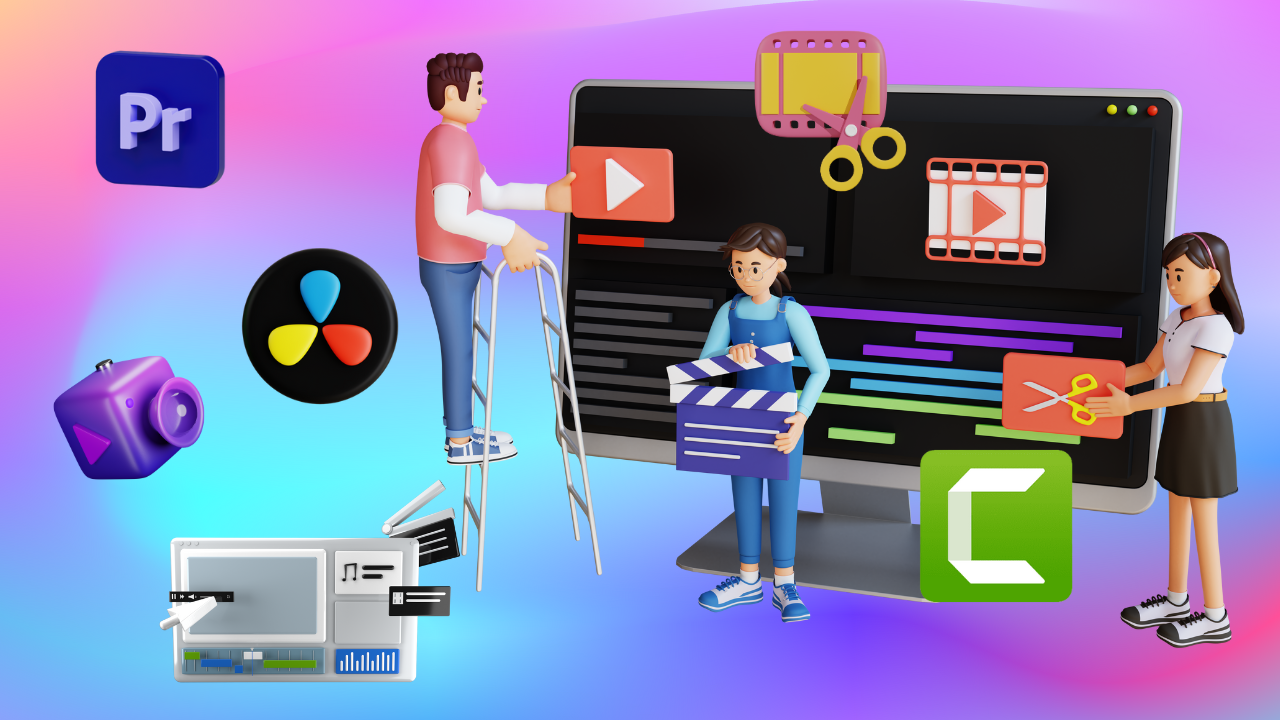
Develop editing skills using timelines, cuts, transitions, and effects to create compelling video narratives.
Learning Mode: Learn at ALC or at Home
Detailed Course Curriculum
Hands-on module breakdown aligned with MKCL production standards and industry requirements.
- Pawan’s journey to mastering Video Editing
- What is a video?
- Basic components of a video
- The evolution of video technology
- Impact of video on society
- How are the videos shot?
- Types of cameras used for video shooting
- Various video shooting modes in cameras
- Different video formats
- More about different video formats
- The art of capturing videos with a smartphone
- Overview of ‘Audio’ and its importance
- Content creation with stock footage and audio
- The role of storytelling in videography
- Modification of camera-shot videos
- Overview of Video Editing
- What is Video Editing?
- Where is video editing required?
- How to adjust with Adobe Premiere Pro if you are new
- Uses of Adobe Premiere Pro
- Features of Adobe Premiere Pro
- Installing Adobe Premiere Pro
- How to create a new project in Adobe Premiere Pro?
- How to import files in Adobe Premiere Pro?
- What is the Sequence in Adobe Premiere Pro?
- Customizing the Workspace in Adobe Premiere Pro
- How to Solve Media Offline Problem in Adobe Premiere Pro
- Using Presets in Adobe Premiere Pro
- Overview of Career Opportunities in Video Editing
- Introduction to Diverse Career Paths
- Market Demand and Growth Potential
- Film Industry Opportunities
- Roles in Feature Films, Short Films, and Documentaries
- Path to becoming a Film Editor
- Television and Broadcast Media
- Editing for TV Shows, News, and Live Events
- Career Progression in the Television Industry
- Opportunities in Digital Media and Online Content Creation
- YouTube, Social Media Platforms, and Independent Productions
- Skills Required for Online Media Editing
- Corporate and Commercial Video Editing
- Corporate Promotional Videos, Advertisements, and Training Videos
- Working with Marketing Teams and Agencies
- Freelancing and Independent Video Editing
- Building a Freelance Career
- Networking, Client Management, and Portfolio Development
- Creating your Resume, Portfolio, and Online Presence
- Creating a Resume and Portfolio for Fresher
- Creating Resume and Portfolio for Experienced
- Maintaining Online Presence
- History of Film Editing
- Understanding the Role of an Editor
- The Power of Visual Storytelling
- The Art of Graphical Storytelling
- The Art of Storytelling - Editing Techniques
- Tips and Tricks of Storytelling
- Building a Story Arc
- Pacing and Rhythm in Editing
- Genre-Specific Editing Techniques
- Differences in Editing Documentaries, Dramas, and Comedies
- Importing and Organizing Media / camera Log / Data transfer
- Working with Audio and Sound Design
- Peer Review and Critique
- Copyrights and Fair Use in Editing
- The Future of Editing
- Skills Required to Edit Videos
- Basic editing concept
- Insert Clips on the Timeline on Adobe Premiere Pro
- Everything about Timeline Navigation on Adobe Premiere Pro
- Mastering Timeline Navigation in Adobe Premiere Pro
- Selection and Track Selection Tools in Adobe Premiere Pro
- Clip Project Management in Adobe Premiere Pro
- Ripple Edit Tools in Adobe Premiere Pro
- Remix Tool in Adobe Premiere Pro
- Razor Tool in Adobe Premiere Pro
- Slip Tool and Slide Tool in Adobe Premiere Pro
- Adjustment Layer in Adobe Premiere Pro
- Using Project Panel like a Pro in Adobe Premiere Pro
- Linking, Grouping, and Nesting in Adobe Premiere Pro
- How to use Rulers and Guides in Premiere Pro?
- About Video Transitions (Overview)
- Building Narrative Through Transition
- Types of Video Transitions - Basics
- Types of Video Transitions - Transform
- Types of Video Transitions - Audio
- Shape Based Transition
- Applying Transitions
- Customizing Transitions
- Masking Transition
- Immersive VR Transitions
- Types of Video Transitions
- Video effects overview
- Adjust Effects
- Blur Effects
- Noise and Grain
- Generate Effects
- Gradient Effects
- Color Effects
- Image Control
- Transform
- Displacement
- Distortion
- Perspective
- Additional Video Editing Tips
- Case Study - Create a short video
- What is Audio? and its Various formats
- Principles Behind Audio Mixing and Effects
- What are music tracks?
- Syncing audio or music tracks with video
- Timeline Audio Tracks
- Editing Audio in Adobe Premiere Pro
- Recording Audio
- Gaining, Fading and Balancing
- Using Audio Effects and Transitions
- Audio Mixer Overview
- Setting Track Volume & Mixing Tracks
- Panning & Balancing
- Applying effects with Audio Mixer
- Significance of Audio in Video Editing
- Make your projects sound quirky
- Creating Loop with BPM
- Audio Channels
- Specials
- Loudness Control Effects
- Pitch Shifter
- Reverb Effects
- DeHummer Effect
- Amplitude and compression
- Audio effects
- Essential Sound - Dialogue
- Essential Sound - Music
- Essential Sound - SFX
- Essential Sound - Ambience
- Exploring Different Video Genres
- Adapting Editing Styles
- Editing Dialogue
- Horror
- Action
- Comedy
- Documentary
- Pulp Fiction
- Mass Media
- Noir
- Imaginative Documentary
- Combining Genres
- Thriller
- Split screen
- Camera Angle
- Low Angle - Top Angle
- Cameras movements Pan, Tilt, Roll and zoom
- Handheld Shot
- Tracking Shots
- Point of View
- Aerial Shot
- L-Cut and J Cut
- Insert Shot / B-Roll
- Axial cut
- Cutaway and Jump Cut
- Soft Cut and Match Cut
- Case Study - Creating a short film
- Types of Titles
- Text Alignment
- Using Titler
- Creating Titles from Scratch
- Superimposing a Title
- Creating Titles from Templates
- Creating a Title Roll or Crawl
- Creating Title Template
- Text on Path
- Experiment with Effects
- Replace Font
- Creating Lower Third
- Call Outs
- Write on Effects
- Overview
- Create with Photoshop
- Draw with Illustrator
- Compose with After Effects
- Render with Media Encoder
- Adobe Audition
- Adobe Stock
- Adobe Bridge
- Animating collage
- Understanding keyframes
- Use Motion Effects
- Lower the Volume Automatically
- Key Frame Interpolation Spatial and Temporal
- Time Management
- Preparing Scripts
- TCR - Time-code Recorder
- Collecting assets (Reference)
- Using Proxy
- Edit videos faster even if they are longer
- Sequence Preset
- Color Management and Luts
- Optimizing system performance
- Preferences
- Collaboration and Cloud
- Know your GPU
- RAM Allocation
Eligibility Criteria
• Basic knowledge of computers and keen desire to build skills in this field.
• Open to students, job seekers, and working professionals.
• Open to students, job seekers, and working professionals.
Official Certification
• Official MKCL KLiC Certificate upon successful completion of the course and evaluations.
Work-Centric Learning Approach
• Step 1: Learners are given an overview of the course and its connection to life and work
• Step 2: Learners are exposed to the specific tool(s) used in the course through the various real-life applications of the tool(s).
• Step 3: Learners are acquainted with the careers and the hierarchy of roles they can perform at workplaces after attaining increasing levels of mastery over the tool(s).
• Step 4: Learners are acquainted with the architecture of the tool or tool map so as to appreciate various parts of the tool, their functions, utility and inter-relations.
• Step 5: Learners are exposed to simple application development methodology by using the tool at the beginner’s level.
• Step 6: Learners perform the differential skills related to the use of the tool to improve the given ready-made industry-standard outputs.
• Step 7: Learners are engaged in appreciation of real-life case studies developed by the experts.
• Step 8: Learners are encouraged to proceed from appreciation to imitation of the experts.
• Step 9: After the imitation experience, they are required to improve the expert’s outputs so that they proceed from mere imitation to emulation.
• Step 10: Emulation is taken a level further from working with differential skills towards the visualization and creation of a complete output according to the requirements provided. (Long Assignments)
• Step 11: Understanding the requirements, communicating one’s own thoughts and presenting are important skills required in facing an interview for securing a work order/job. For instilling these skills, learners are presented with various subject-specific technical as well as HR-oriented questions and encouraged to answer them.
• Step 12: Finally, they develop the integral skills involving optimal methods and best practices to produce useful outputs right from scratch, publish them in their ePortfolio and thereby proceed from emulation to self-expression, from self-expression to self-confidence and from self-confidence to self-reliance and self-esteem!
• Step 2: Learners are exposed to the specific tool(s) used in the course through the various real-life applications of the tool(s).
• Step 3: Learners are acquainted with the careers and the hierarchy of roles they can perform at workplaces after attaining increasing levels of mastery over the tool(s).
• Step 4: Learners are acquainted with the architecture of the tool or tool map so as to appreciate various parts of the tool, their functions, utility and inter-relations.
• Step 5: Learners are exposed to simple application development methodology by using the tool at the beginner’s level.
• Step 6: Learners perform the differential skills related to the use of the tool to improve the given ready-made industry-standard outputs.
• Step 7: Learners are engaged in appreciation of real-life case studies developed by the experts.
• Step 8: Learners are encouraged to proceed from appreciation to imitation of the experts.
• Step 9: After the imitation experience, they are required to improve the expert’s outputs so that they proceed from mere imitation to emulation.
• Step 10: Emulation is taken a level further from working with differential skills towards the visualization and creation of a complete output according to the requirements provided. (Long Assignments)
• Step 11: Understanding the requirements, communicating one’s own thoughts and presenting are important skills required in facing an interview for securing a work order/job. For instilling these skills, learners are presented with various subject-specific technical as well as HR-oriented questions and encouraged to answer them.
• Step 12: Finally, they develop the integral skills involving optimal methods and best practices to produce useful outputs right from scratch, publish them in their ePortfolio and thereby proceed from emulation to self-expression, from self-expression to self-confidence and from self-confidence to self-reliance and self-esteem!
Ready to start Video Editing Techniques?
Join our upcoming batch at ZICA Kalyani center with certified instructors.
Other MKCL Courses
-
Introduction to 3D Animation
30 hours -
DTP (Adobe & CorelDRAW)
120 hours -
Graphic Designing
120 hours -
Content Illustration
120 hours